

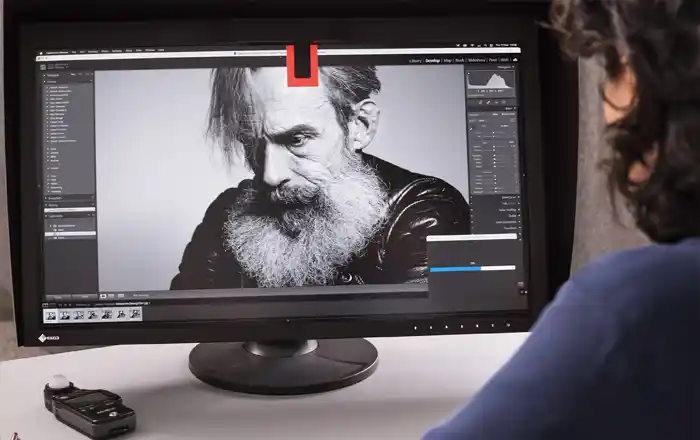
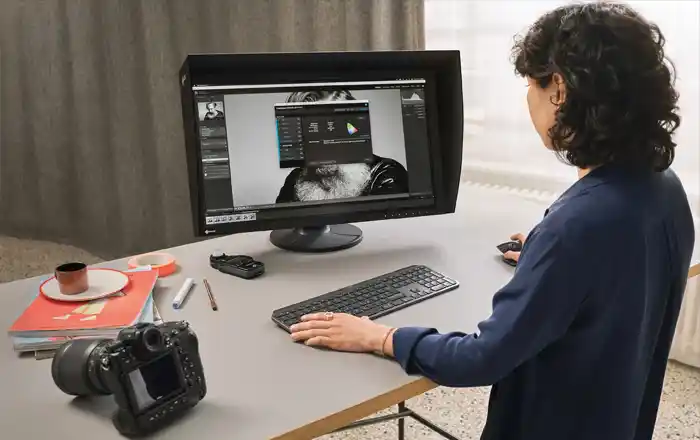
Everyone knows the problem: You carefully edit your photos on the screen until they look exactly the way you want them to. But when you view the images on your laptop, tablet, or smartphone, they often look quite different. And when it comes to printing, almost everyone has experienced unpleasant and costly surprises. But why does this happen, and more importantly: What can you do about it? Is it the monitor, its settings, or did you do something wrong in the software? Did something go wrong during printing or at the print service provider? There are these ICC profiles, after all. What are they for again?
Christian Ohlig provides the answers to these and many other questions in this introductory seminar.
In easy-to-understand terms, the color management expert explains what photographers should keep in mind in their digital darkroom. In doing so, he examines the entire photography workflow—from shooting to monitor calibration and software settings, all the way to image output for the web and printing, whether using your own fine-art printer or a print service provider.
Topics:
- Camera Color Settings
- Maximum color accuracy through color targets during shooting
- Why is the monitor so important?
- What makes a good monitor for photographers?
- Monitor Calibration: What Is It, and Why Is the Right Calibration Target So Important?
- Settings in Image-Editing Software: Using Adobe Lightroom and Photoshop as Examples
- Image Export for the Internet
- Soft Proofing: Print Simulation and Image Optimization for Printing at Home and at a Print Service Provider
About Christian Ohlig
After almost 20 years as a professional photographer and journalist, Christian Ohlig has been responsible for the graphics monitor division of the Japanese premium monitor manufacturer EIZO since 2015. The passionate landscape and travel photographer regularly passes on his knowledge of color management in workshops, webinars and YouTube tutorials.
Workshop information
- Speaker: Christian Ohlig
- Suitable for: Anyone who edits images on their computer
- Minimum number of participants: 15
- Maximum number of participants: 109
- Bring: pad + pen / tablet for notes if necessary
- Duration: 1.5 hours
- Sunday: 04.10.26 from 11:00 a.m. – 12:30 p.m.
- Where: NCC West, Room Amsterdam, 2nd floor
- Price: 5,- €
- Note: The price of the seminar does NOT include a trade fair ticket.
Experience more at Imaging World 2026
Imaging World 2026 is much more than a single workshop: you can expect a whole weekend full of photography, content creation, video, creativity and inspiration – with exciting program items, strong brands and many opportunities to try out new things directly.
With a weekend ticket, you’ll have access to the entire trade show, including:
- further workshops and events in the fields of photography, video, lighting, business and content creation
- exciting stage program with lectures, live talks and inspiration for your photography
- creative playgrounds where you can directly experience technology, sets and new image ideas
- leading exhibitors and brands from the photo and imaging industry
- Imaging World photo competition, where you can submit your best pictures
- Free camera check & clean for your equipment on site
This will turn your workshop visit into an entire trade fair experience: you will learn new techniques, gather creative ideas, test equipment, meet like-minded people and take home lots of inspiration.
Plan your personal Imaging World weekend now and discover all the highlights around workshops, stage, playgrounds, exhibitors, photo competition and free services.